
Frost
Discipline over motivation.
Frost is an iPhone app that blocks the apps that pull you away and keeps them blocked until your session is done. No quick checks, no easy way out.
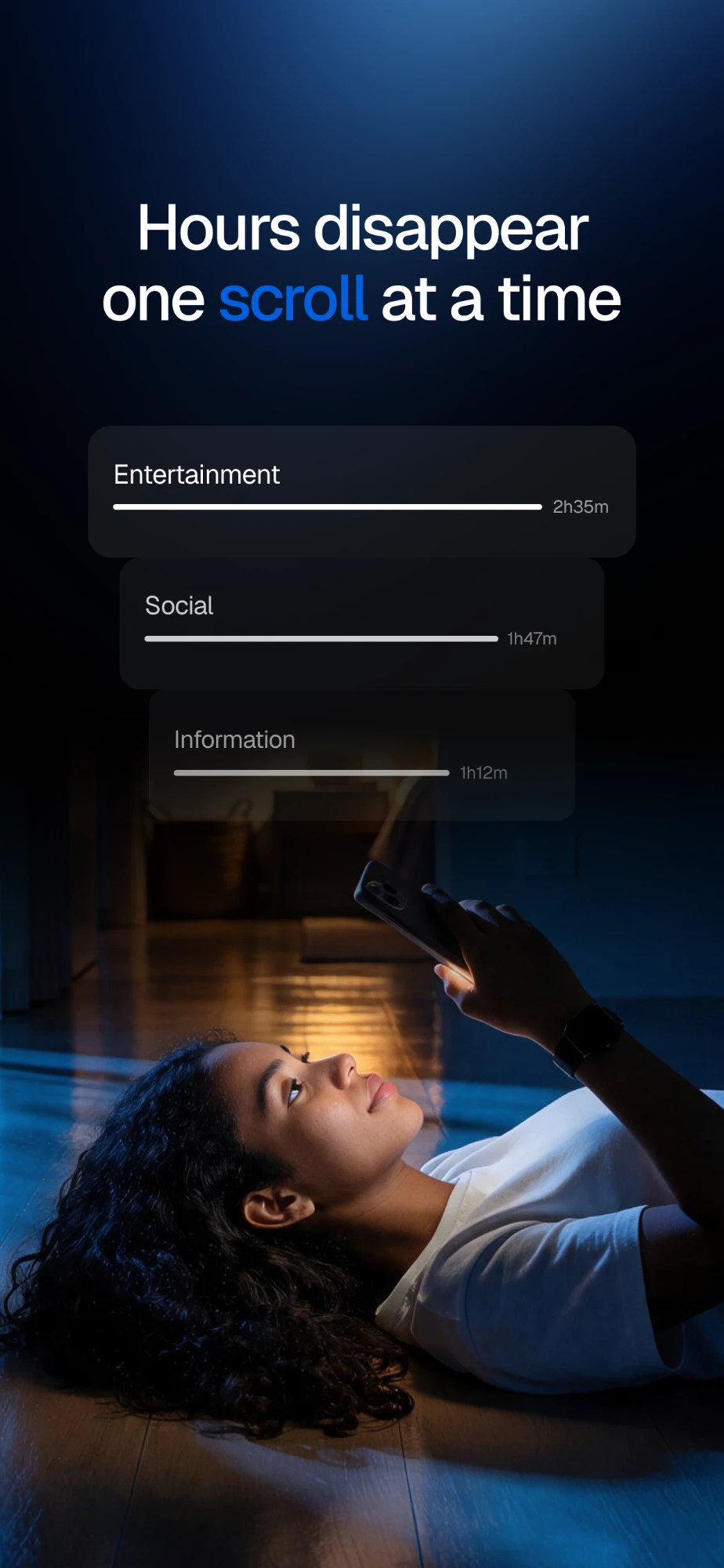
Reserve My Free TrialHow much of your life is your phone taking?
Set your daily screen time. Frost projects it over the next 50 years.
9 years
of the next 50 spent looking down at your phone.
Frost can help you take back about 2 of them.
Hours a day × 365 ÷ 24 gives days a year, projected over 50 years. Frost uses the same projection with your real Screen Time. The take-back figure assumes you cut that time by a quarter.
How it works
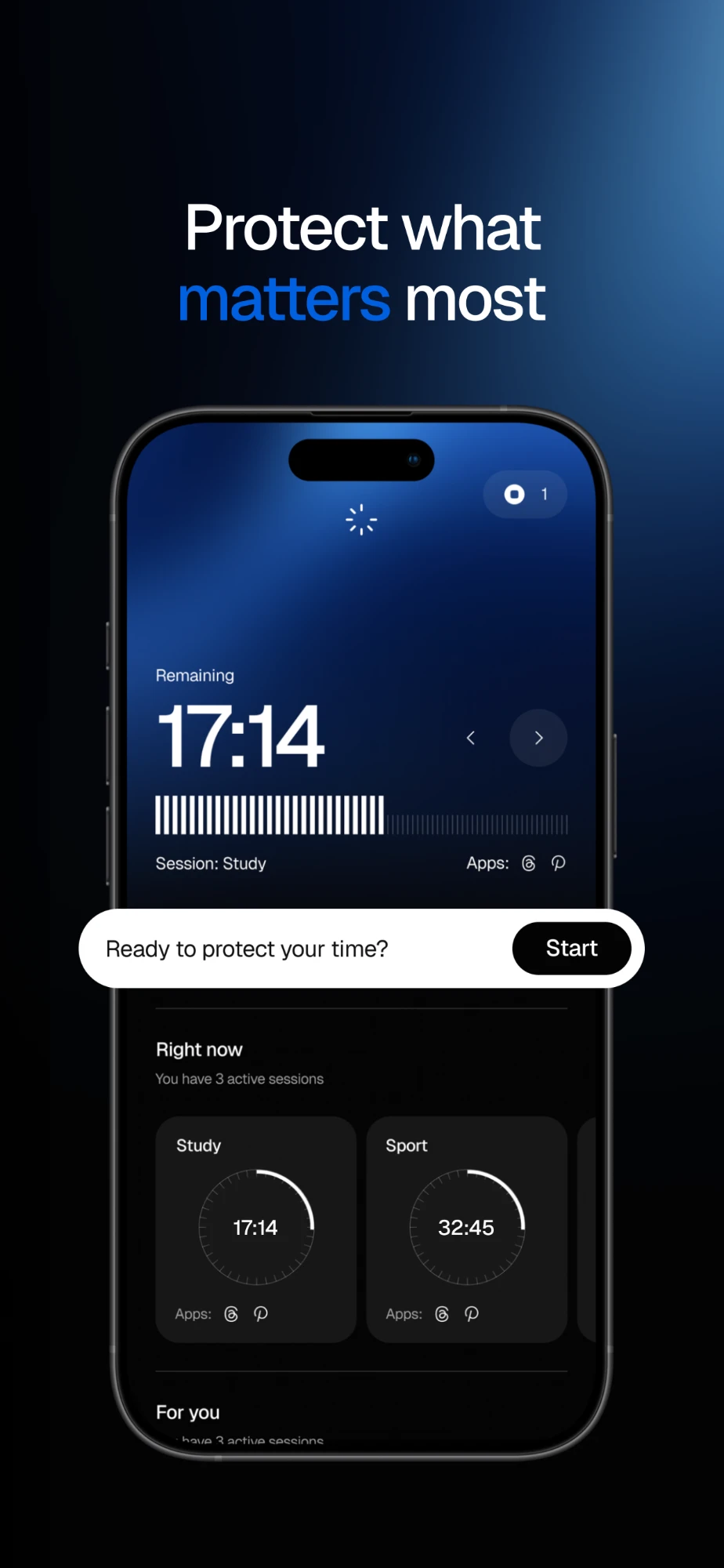
- Pick the apps that pull you away.
- Start a session.
- They stay blocked until it's done.
Frost doesn't let you off easy. That's the point.
-
Chosen apps stay blocked
Pick what gets in your way. Frost uses Apple's Screen Time to block those apps for the length of your session.
-
Leaving early costs something
Need out early? You can, but it costs an Emergency Exit token, and the session is marked incomplete.
-
Habits you can see
Scheduled sessions, streaks, and a weekly report show whether you're actually getting your time back.
Built on Apple Screen Time. The apps you choose to block stay on your device.
Frequently Asked Questions
What happens when I use a token?
- Session ends immediately
- Session is marked as failed
- 1 token is consumed
Why does Frost need Screen Time access?
Frost needs Screen Time permission to block apps and run focus sessions. Without it, blocking can't work.
Can I uninstall Frost during a session?
Frost can't stop app deletion on its own because of iOS limits. For stronger protection, it can walk you through enabling Apple’s “Prevent App Deletion” in Screen Time settings.
Your time is worth protecting.
Be among the first to experience Frost with a 7-day free Premium trial.